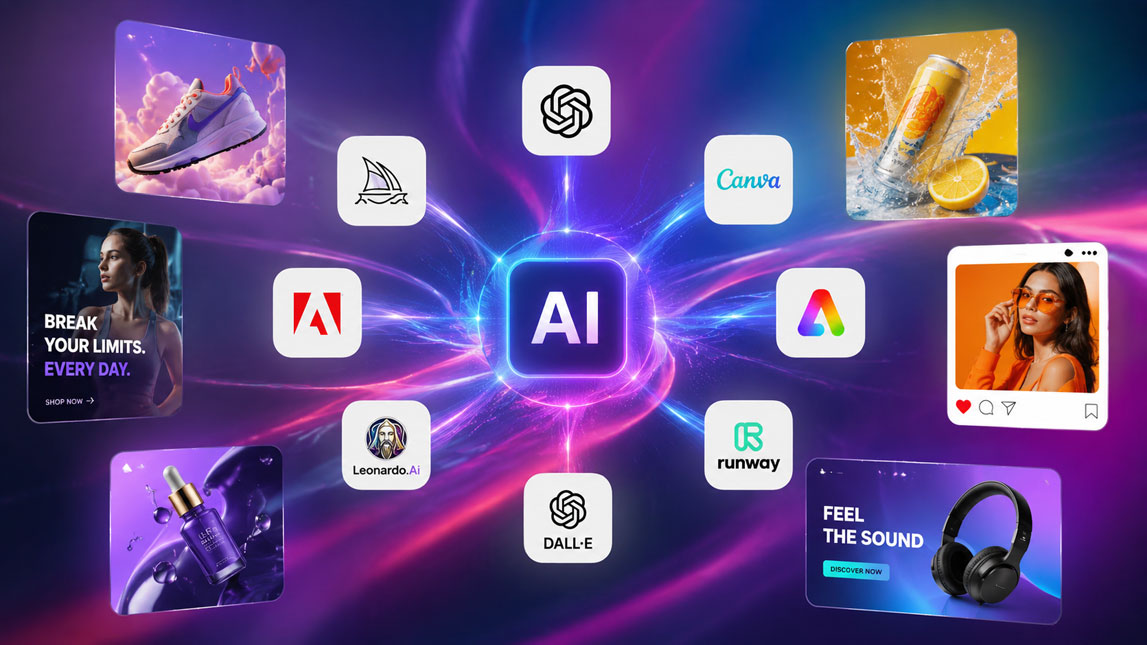
You open your ad manager, your landing page draft, or your next campaign calendar, and the same problem appears: the message is clear, but the visual still feels unfinished.
Stock images look too generic, custom design takes time, and your best idea is stuck somewhere between a rough prompt and a blank canvas.
That is exactly where an AI image generator for marketing becomes useful. Not as a magic replacement for creative judgment, but as a faster way to explore ad concepts, build campaign visuals, test product scenes, and turn abstract marketing ideas into images your audience can actually react to.
The rise of AI image generators for marketing campaigns and ads
A few years ago, creating campaign visuals meant choosing between three imperfect options: hiring a designer, buying stock images, or trying to hack something together in Canva at 11 p.m. I have done all three, and each one has its own little pain point.
An AI image generator for marketing changes that equation. Instead of starting from an empty canvas, marketers can describe the visual they need and generate multiple creative directions in minutes. That might be a product shot on a clean background, a lifestyle scene for a social ad, a surreal concept for a launch campaign, or a batch of image variations for testing.
The reason adoption is growing is not just novelty. It is speed, control, and creative range. Freelancers can pitch more concepts without increasing production time. Indie makers can create polished visuals before they have a full brand team. SaaS marketers can test campaign angles without waiting days for assets.
This sits naturally inside the broader landscape of AI image generation tools for design and marketing, but marketing use cases have their own rhythm. Ads need clarity. Campaign visuals need consistency. Product imagery needs to sell the idea fast.
That is where AI starts to feel less like a toy and more like a practical creative system.
Revolutionizing ad creative: how AI image generators enhance marketing visuals
The biggest shift is not that AI can make pretty pictures. Pretty is useful, but it is not enough.
Marketing visuals have a job. They need to stop the scroll, communicate value, fit the brand, and support a specific offer. A good ai ad image generator helps teams move from “we need one hero image” to “let’s test five visual angles before lunch.” That changes the creative process from slow approval cycles into rapid exploration.
Speed matters because most campaigns are not won by one perfect idea. They are improved through variations. Different backgrounds, framing, emotional tones, product placements, color palettes, and audience contexts can all change how an ad performs.
Faster visual exploration
Instead of asking a designer to produce ten rough directions from scratch, a marketer can generate early concepts and narrow the field before design polish begins. This does not replace good creative direction. Actually, it makes direction more important.
The AI give you options. You still decide which ones are strategically useful.
For example, a productivity SaaS campaign could test three visual ideas: a calm workspace, a messy desk transformed into order, and an abstract automation flow. Each tells a different story. With marketing image AI, those stories can be visualized quickly enough to compare before committing budget.
Here is a simple comparison of how AI changes early creative production:
| Creative task | Traditional workflow | AI-assisted workflow |
|---|---|---|
| Concept mockups | Hours or days | Minutes |
| Ad variations | Limited by budget | Easy to multiply |
| Visual testing | Slow iteration | Rapid experiments |
| Creative direction | Mostly verbal | Immediately visual |
Cost is another reason teams adopt these tools. A small brand may not have the budget for custom photoshoots every month. AI campaign visuals can fill the gap for concept ads, social posts, mood boards, landing page tests, and early-stage launch assets
The smart move is not to treat AI output as final by default. Use it to compress the distance between idea and usable draft.
Specific applications: AI product visuals and campaign assets
The most practical use of an ai image generator for marketing is not random creativity. It is controlled variation.
A product can be shown in a clean studio shot, a lifestyle scene, a seasonal campaign, or a benefit-driven concept image.
The same offer can become a LinkedIn ad, an Instagram carousel cover, a landing page hero visual, and a display banner. One idea, many formats.
Product scenes and lifestyle shots
AI product visuals are especially useful when the product is digital, early-stage, or difficult to photograph. SaaS tools, templates, online courses, newsletters, apps, and service offers often struggle with visual representation because there is no physical object to shoot.
AI can help turn abstract value into concrete imagery.
A solo founder selling an analytics dashboard might generate visuals showing a marketer reviewing clean charts in a focused workspace.
A freelancer promoting a brand strategy package could create editorial-style images around planning, research, and visual identity. A DTC brand might test product-in-environment concepts before booking a photoshoot.
That last part is important. AI can be a pre-production tool, not only a production tool.
Useful applications include:
- Creating product mockups for ads, landing pages, and launch announcements.
- Generating lifestyle scenes that show the product in a believable context.
- Building campaign mood boards before briefing designers or photographers.
- Producing social media variations for different audience segments.
- Testing visual metaphors for abstract products, especially SaaS and services.
Campaign assets across channels
Different channels punish different mistakes. A display ad needs immediate readability. A social post can carry more atmosphere
A landing page hero image has to support the offer without stealing attention from the headline.
An ai creative generator helps adapt the same campaign idea across those contexts. You might start with one core concept, then generate versions for top-of-funnel awareness, retargeting, product education, and seasonal promotions.
For premium campaign aesthetics, some marketers lean toward tools that create more cinematic or polished visuals. That is where a focused workflow like creating premium campaign visuals with Midjourney can be useful.
For teams that care more about repeatable brand assets, building branded image assets with Leonardo AI may fit better.
The tool choice matters less than the workflow behind it. A messy prompt with no brand direction usually creates messy output, no big surprise there.
Key benefits of integrating AI image generators into your marketing strategy
The obvious benefit is efficiency. The less obvious benefit is creative confidence.
When producing visuals is expensive, teams become cautious. They debate ideas before seeing them. They overcommit to safe concepts. They recycle the same stock-style assets because at least they know those assets will be usable.
AI lowers the cost of trying.
That creates room for sharper testing. A marketer can explore visual angles before deciding which one deserves design polish, media spend, or deeper production. For small teams, this can feel like suddenly having a lightweight creative lab inside the workflow.
Here is how the main benefits usually show up in real campaigns:
| Benefit | Marketing impact | Best use case |
|---|---|---|
| Speed | More assets faster | Launch campaigns |
| Variation | Better testing options | Paid ads |
| Personalization | More audience relevance | Segmented campaigns |
| Inspiration | Fewer creative blocks | Concept development |
| Cost control | Lower production pressure | Small teams |
Personalization is where things get especially interesting. A campaign for founders, agencies, and ecommerce teams might use the same offer but different visual contexts. Instead of one generic image trying to speak to everyone, you can create targeted variations that feel closer to each audience.
A/B testing also becomes easier. Not just headline testing, but visual testing: background style, product framing, human presence, color mood, layout density, emotional tone. Sometimes the winning difference is subtle. The only way to know is to test.
Creative blocks become less dramatic too. Staring at a blank creative brief is painful. Generating ten imperfect directions gives the brain something to react to, and reaction is often where the real idea appears.
Best practices for maximizing your AI ad image generator output
Good AI visuals start before the prompt. That sounds annoying, but it is true.
The strongest outputs usually come from clear creative intent: who the visual is for, what emotion it should create, where it will appear, and what brand rules it must respect. Without those constraints, even a powerful ai campaign visuals tool can drift into generic “cool ad” territory.
Prompt with marketing context
A weak prompt describes an image. A strong prompt describes the campaign job.
Instead of asking for “a futuristic image of automation,” add the audience, format, product category, emotional tone, and composition. The tool needs direction, not a vague wish.
A useful prompt structure looks like this:
Notice the details. Audience. Channel. Mood. Layout. Brand colors. Text space.
That is how you move from random output to usable creative.
Refine in rounds
The first generation is rarely the final image. I usually treat it like a rough sketch from a very fast designer who needs feedback. Useful, but not psychic.
A simple workflow can keep the process clean:
- Start with three to five broad visual directions.
- Select the strongest concept based on campaign fit, not just aesthetics.
- Regenerate variations with tighter composition and brand details.
- Edit or retouch the best output before publishing.
- Save prompts that produce repeatable brand-aligned results.
Brand consistency needs special attention. AI tools can easily create images that look impressive but disconnected from your existing identity. Keep a small brand prompt library with approved colors, lighting styles, composition rules, and words to avoid.
For ad workflows, leave room for copy. Many AI images look great until you realize there is nowhere to place the headline, CTA, or product message. Ask for negative space, clean backgrounds, or specific composition areas.
Also, do not skip human review. Check hands, faces, product logic, background objects, text artifacts, and anything that could distract from the offer. AI is fast, not flawless.
Overcoming challenges and ethical considerations in AI creative generation
AI-generated marketing visuals come with real trade-offs. Ignoring them is how brands end up with campaigns that look polished but feel oddly empty.
The first challenge is sameness. Many tools default to glossy lighting, perfect people, smooth surfaces, and vague futuristic scenes. It looks “AI good,” which can quickly become a visual cliché. The fix is stronger direction: specific audience context, unusual but relevant settings, brand constraints, and real campaign strategy.
Copyright and commercial usage also deserve attention. Before using any ai creative generator for paid campaigns, check the tool’s terms around commercial rights, training data, and image ownership. This is not the fun part, but it is better than discovering a licensing issue after the ad has traction.
Brand voice is another concern. Visuals communicate personality just like copy does. If your brand is practical and grounded, overly cinematic fantasy images might create a weird mismatch. If your brand is premium, cheap-looking AI product visuals can damage trust faster than no visual at all.
Ethical review should be part of the workflow, especially when images include people or sensitive scenarios. Avoid misleading product representations, unrealistic outcomes, fake endorsements, and visuals that imply real events or real customers when they are synthetic.
The safest approach is simple: let AI expand creative possibilities, but keep humans responsible for judgment. That balance is where the tool becomes genuinely useful instead of just visually loud.
AI image generators are becoming part of the modern marketing toolkit because they remove friction from the creative process.
They make it easier to test ideas, shape campaign visuals, and create product scenes without turning every asset into a slow production project.
The real advantage, though, is not just speed. It is the ability to think visually earlier, compare more creative directions, and keep refining until the image actually supports the message.
Used with taste, structure, and human judgment, an AI image generator for marketing can become a serious creative partner, not just another shiny tool.

Artificial Intelligence Specialist | AI-Driven Workflow Strategist